Photograph the room
Take a photo or choose one from your camera roll.

Clear space. Reclaim value.
Photograph what you are ready to clear. Skira identifies, values, and prepares every item for its best next home.
Made for your home
Downsizing, a move, or a garage that finally needs dealing with. Snap a few photos, get honest values, and let Skira route each item to its best next home.



4 listings free every month. No card required.
From photo to marketplace
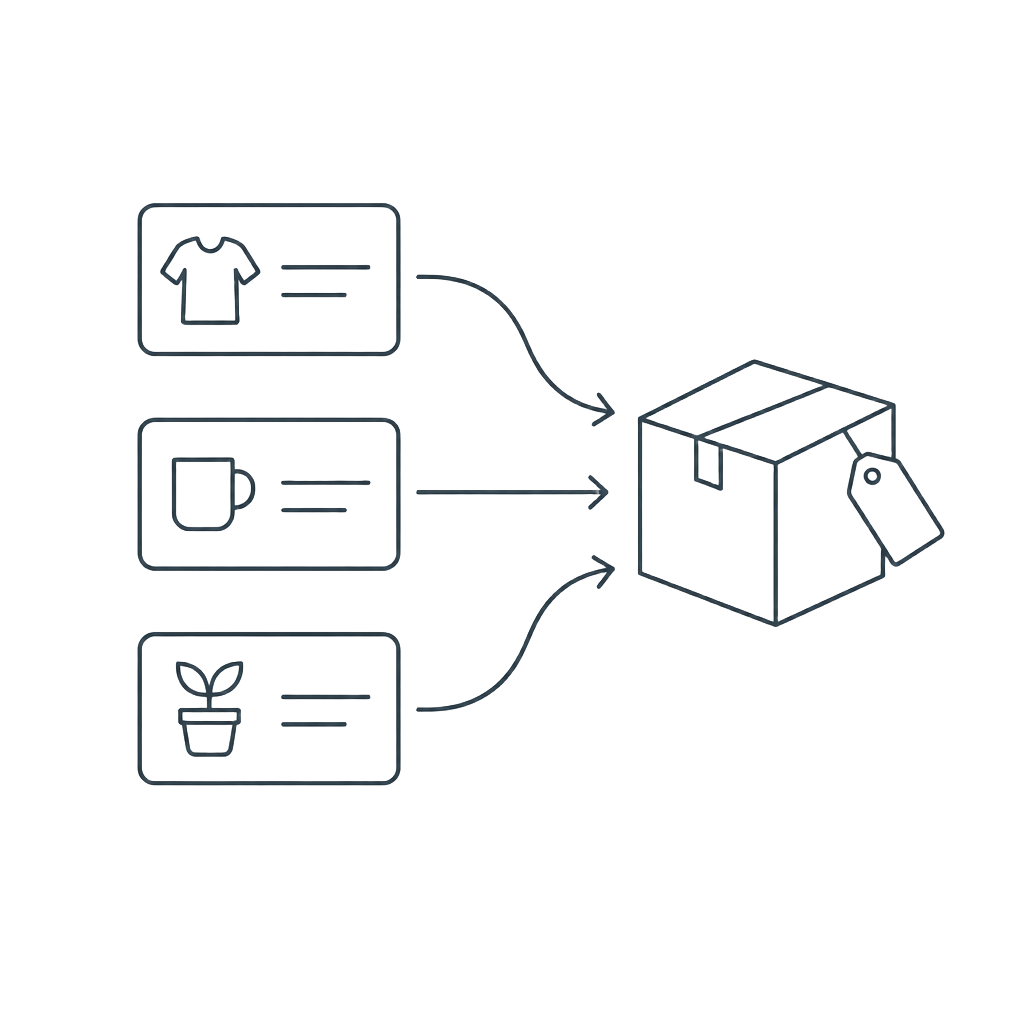
Skip the spreadsheet and the guesswork. Skira creates a useful first draft in three steps.
Take a photo or choose one from your camera roll.
Skira identifies, prices, and routes each sellable item.
Fine-tune the results, then prepare listings for the right marketplace.
Everything stays organized
Find sellable items, identify makers, assess condition, and estimate resale value from a single photo.
Every item is sorted toward eBay, Facebook Marketplace, or donation using value and shipping friction.
Correct titles, prices, condition, and selling channel before anything leaves your inventory.
Download an eBay bulk CSV or copy polished Facebook Marketplace descriptions in a few taps.
Keep every detected item, photo, value, and destination together while you work through an estate.
Uploaded estate photos are stored securely and analyzed through a protected server connection.
Start with a few photos
Your Freemium plan includes 4 listings each month. You have used 0.

New appraisal
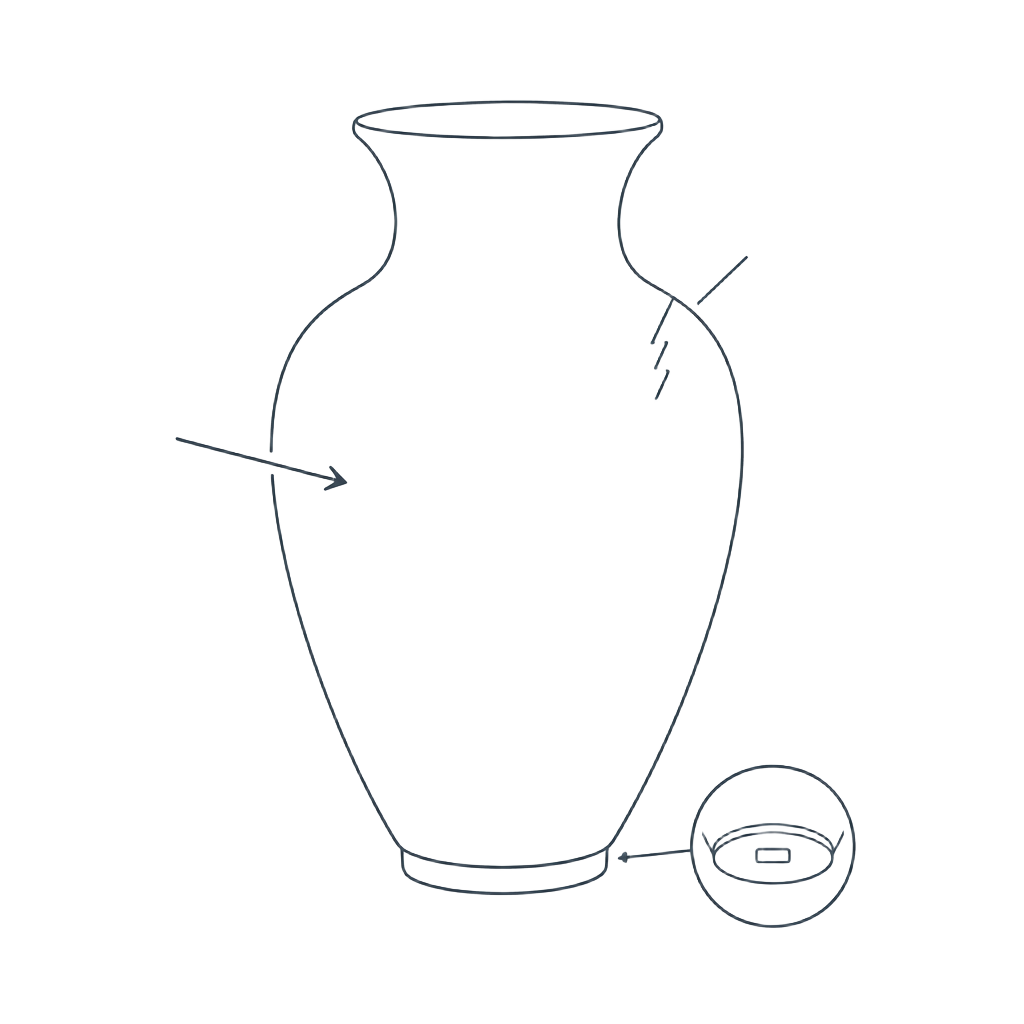
Select up to 12 photos at once. Angles of the same item become one listing; different items become separate listings.
Start free, build a reviewable inventory, and spend your time selling—not deciphering a crowded room.